
Keep customers informed with voice notifications

Send appointment reminders and important updates through automated calls. Use your own recording or text-to-speech.

Why use voice notifications

When time matters

Alert customers or your team to important changes that need a quick response.

When listening is easier

Share important information even when reading a message is inconvenient for the customer.

Pay only for answered calls

Unanswered calls are not charged. The cost of an answered call depends on its duration and destination country.

What do they need to hear?

Appointment reminders Delivery updates Operational alerts Traffic updates

A reminder before the visit

Remind customers of an upcoming appointment with a short automated call. Give them the time and the details they need before they arrive.

Keep customers up to date

Let customers hear when their delivery time changes. A short call can explain the new arrival window and what to do next.

Bring an issue to their attention

Connect a call to an alert in your system. Tell the person on duty what needs attention and where to find the details.

Keep people informed on the road

Let drivers hear about road closures or delays on their route through a short hands-free call. Give them the key information to plan the rest of their journey.
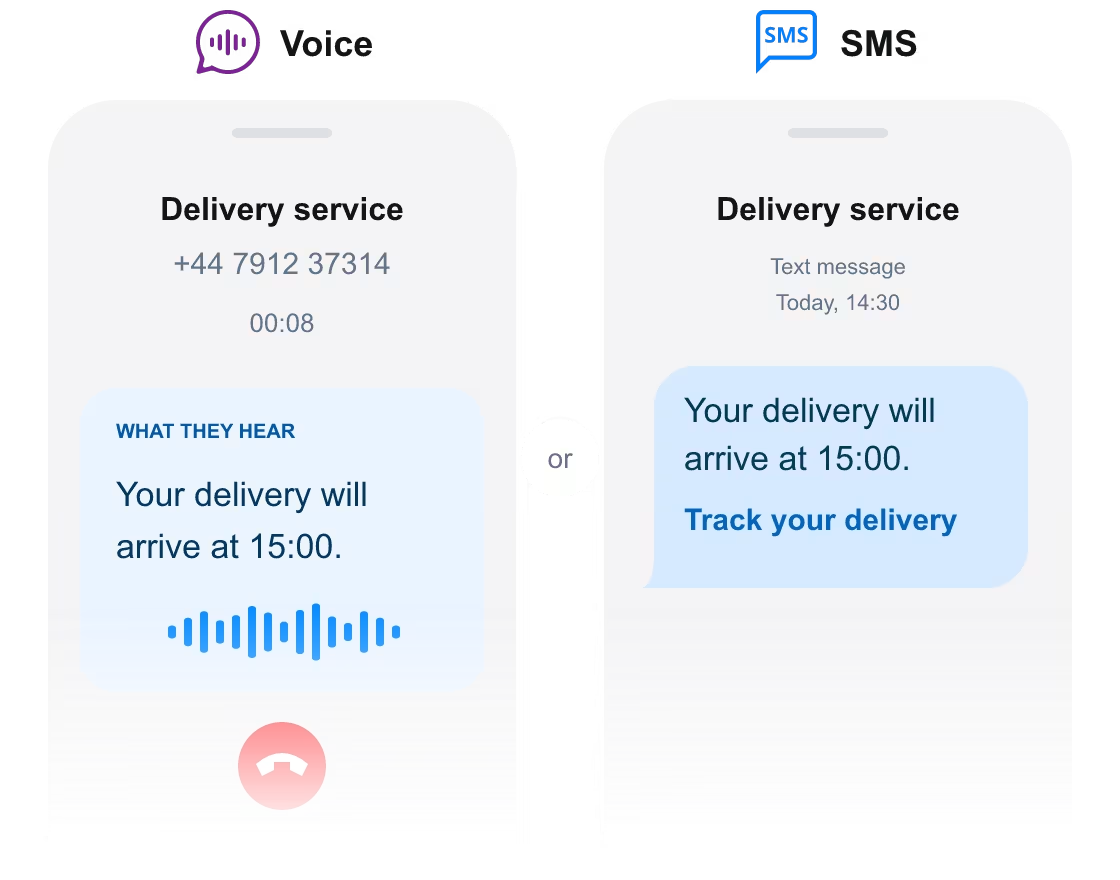
The same update can be delivered by voice call or as a written message.
Part of your business messaging

The right channel for each update

Choose a voice call when a spoken update fits the situation. For a booking link or information customers need to keep, a written message may be more useful.

Choose between Voice, SMS and other business messaging channels based on the urgency, the content and your customers’ preferences.
Explore multichannel messaging

Type it or record it

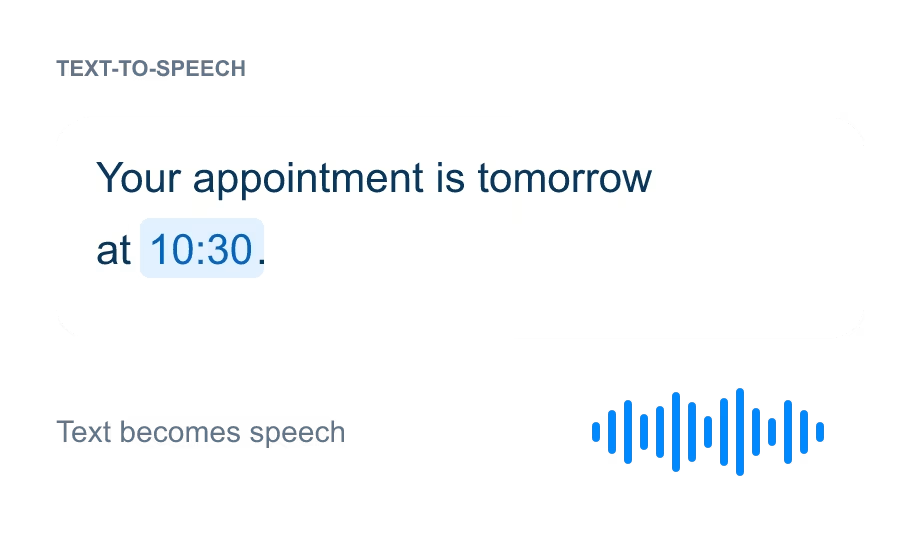
An appointment reminder written as text and converted to a spoken message.

Text-to-speech

Turn written text into a spoken notification. Update names, times or other details in your message.
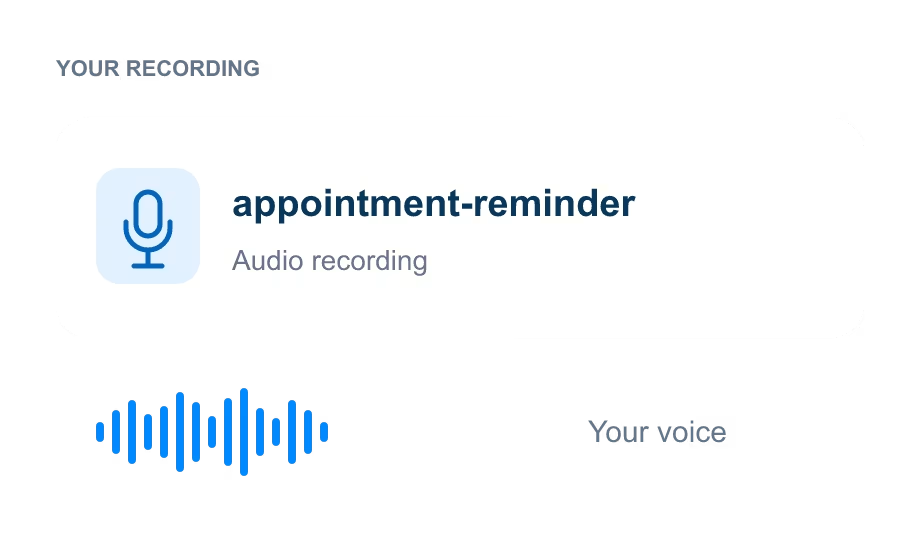
An uploaded audio recording of an appointment reminder, displayed with a waveform.

Your own audio

Use a prepared recording to deliver the notification in your own voice, with the wording and tone you choose.

Voice notification pricing

Know the cost before you call

Voice call pricing depends on the destination and billed duration. Unanswered calls are not charged.

🇬🇧
Billed by call duration
Voice notifications

Price on demand

There is no public rate for this destination. Our team will confirm availability and pricing.

View pricing
API or web portal

How to send voice notifications

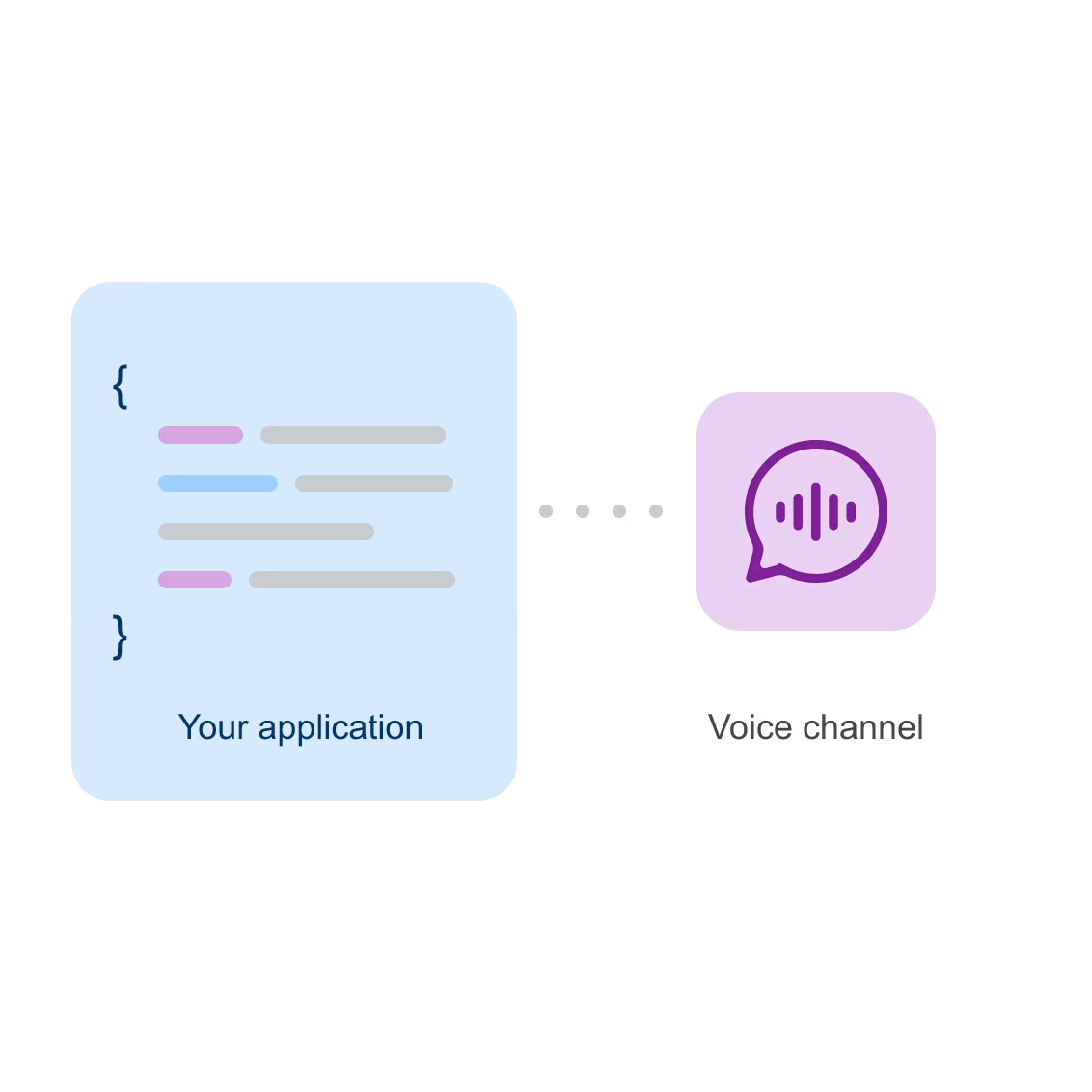
Application code connected to the Voice messaging channel.
Voice API

Make voice part of your workflow

Connect automated calls to your application. Trigger a notification when a delivery time changes or your monitoring system detects an incident.
Get started with Voice API
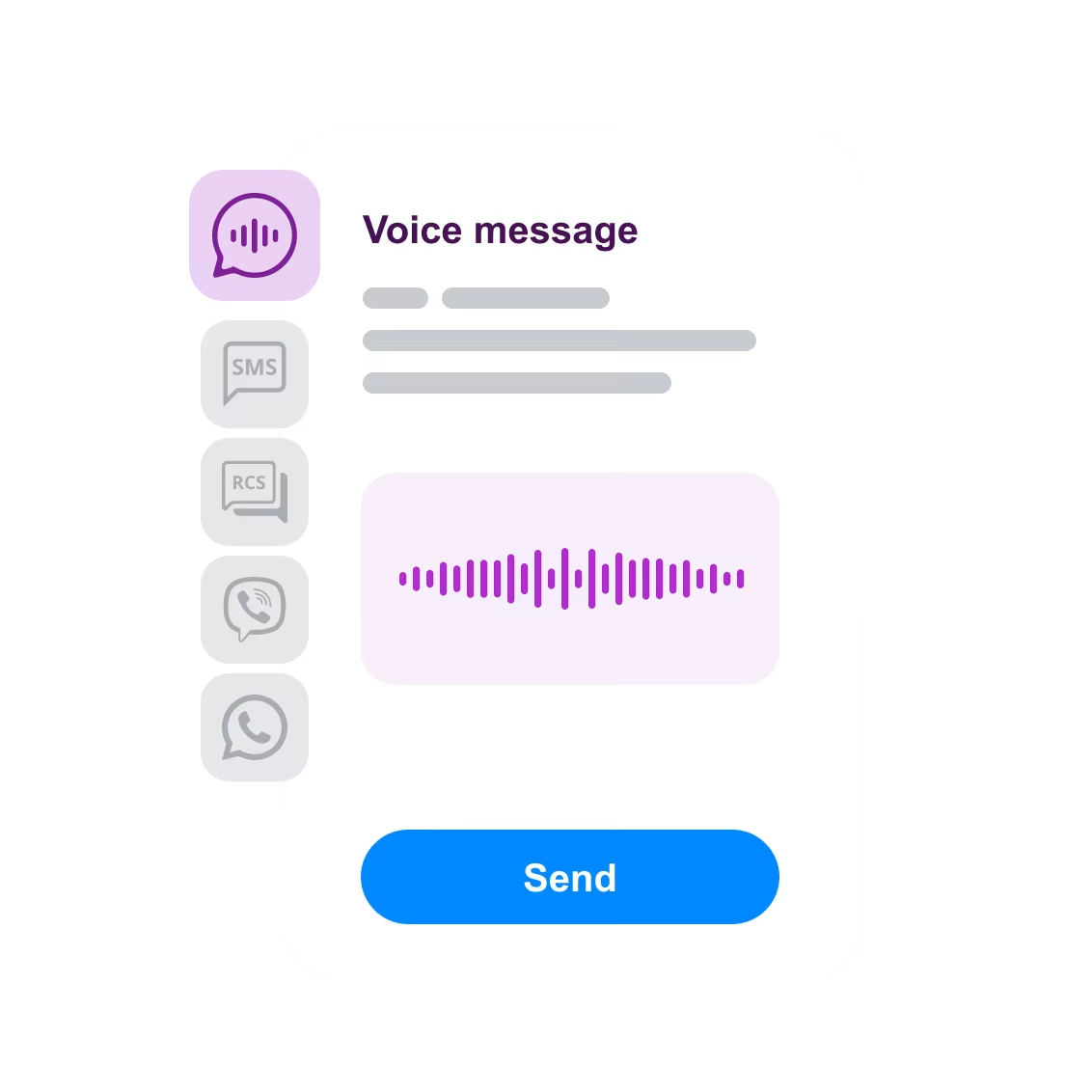
Voice selected in the BulkGate portal, alongside SMS, RCS, Viber and WhatsApp.
Web portal

Send from your browser

Prepare and send voice messages directly in the BulkGate portal. Start without building an API integration.

Send a voice message

Looking for your own business phone number?

A dedicated virtual number is a separate product. SMS and calling capabilities, number rental and usage rates depend on the number and country.

Ask about virtual numbers
A dedicated business phone number displayed on a contact card.

Voice notifications
questions, answered

What are voice notifications?
Voice notifications are automated phone calls that play a spoken message. Businesses can use them for operational alerts, appointment reminders, delivery updates and schedule changes.
How are voice notifications different from Voice OTP?
A voice notification shares an update or reminder. Voice OTP delivers a one-time verification code for a signup, login or recovery flow. Explore Voice OTP.
Can I use text-to-speech or my own recording?
Yes. Prepare a text message to be read aloud, or use recorded audio. Check supported languages, voices and audio requirements with our team before setting up your notifications.
Can I trigger calls from my application?
You can connect voice notifications to events in your application through an API. Your application decides when to send the notification and how to handle another attempt.
Does the recipient need an app or mobile data?
No messaging app or mobile data is needed to listen. The recipient must be able to receive and answer the phone call. Destination and number support should be checked before sending.
What happens if the call is not answered?
The recipient will not hear the message. Decide in your notification flow whether to try again or use another channel. Unanswered calls are not charged.
Can I combine voice notifications with SMS or other channels?
Yes. A call can provide a spoken update, while a separate message supplies written details or a link. The channel sequence and retry rules depend on your setup. Explore multichannel messaging.
How are voice notifications charged?
Pricing depends on the destination and billed call duration. Check the per-minute rate, minimum billed time and billing increments in the pricing section.

Give your next important update a voice

Create your first voice notification from text or your own recording. Try BulkGate for free.