AUTOMATED VOICE MESSAGING FOR BUSINESS

When your message matters, make it heard

Turn text or your own audio into automated phone calls — for verification codes, critical alerts and time-sensitive updates.

WHY VOICE MESSAGING

When hearing makes the difference

Get their attention with a call

An incoming call gives an important update an audible prompt — from a verification code to an urgent notification.

Deliver a message they don’t have to read

Deliver a spoken message when checking a screen or reading a text is inconvenient.

No extra app to install

Your message arrives as a phone call. The recipient can answer without a messaging app or mobile data.

VOICE MESSAGING IN PRACTICE

A call for the moments that matter

VOICE OTP

Give customers a code they can hear

Let customers receive a one-time password in an automated call. They answer, listen and enter the code in your application.

  • Signups
  • Logins
  • Account recovery
VOICE NOTIFICATIONS

Give important updates a voice

Call the person on duty when a system needs attention, or read out an important update to a customer.

  • Critical alerts
  • Appointment reminders
  • Delivery updates
  • Traffic updates
MULTICHANNEL MESSAGING

Start with a call. If they don’t answer, send a message

Start with an automated voice call. If the recipient does not answer, your messaging flow can continue with an SMS or another channel, according to your routing rules.

HOW VOICE MESSAGING WORKS

From your message to their phone

01

Prepare your message

Write the text or choose your audio recording. Add the recipient’s phone number.

02

Start the call

Send through the BulkGate portal, or let your application trigger the call through the API.

03

They answer and listen

The message plays when the call is answered. An unanswered call is not charged.

04

Check what happened

Check the available call status. Use the outcome to decide what your next step should be.
TEXT TO SPEECH OR RECORDED AUDIO

Two ways to create your voice message

Text to speech Your own audio
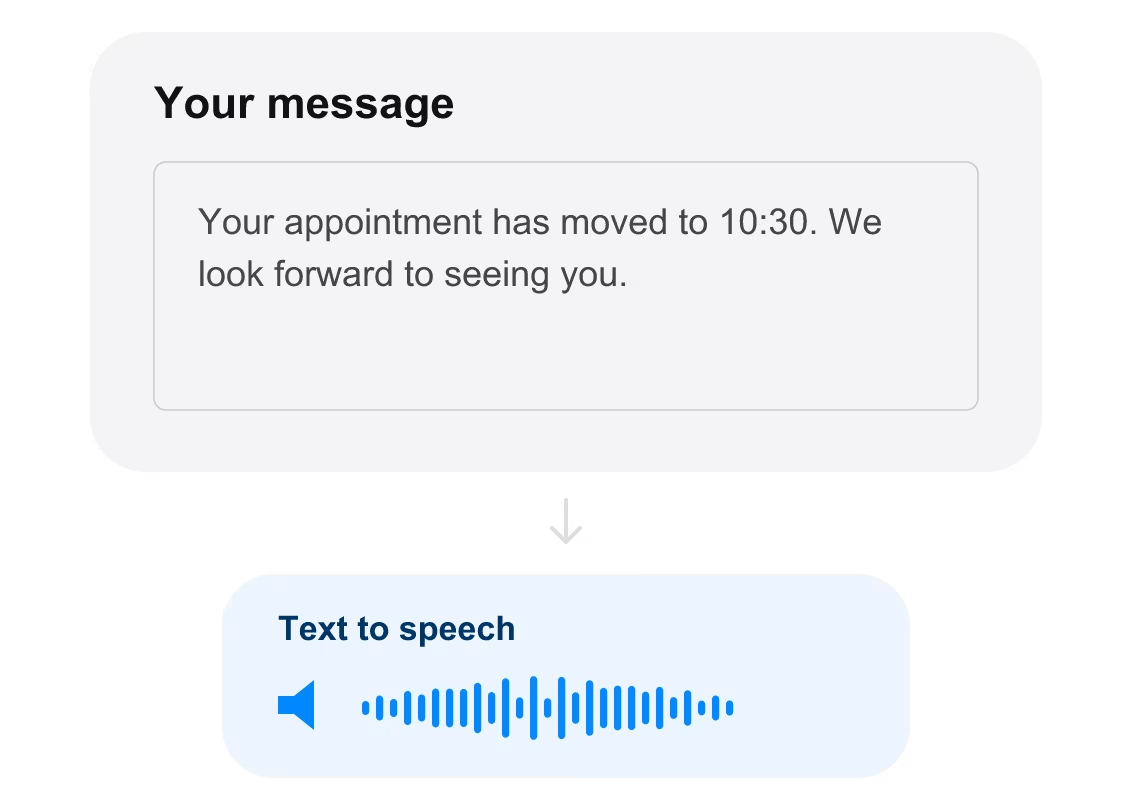
An appointment reminder converted from written text into speech.

Write it. Let the call say it

Turn written text into a spoken message. Use text-to-speech for verification codes and updates with changing details.
Explore sending options
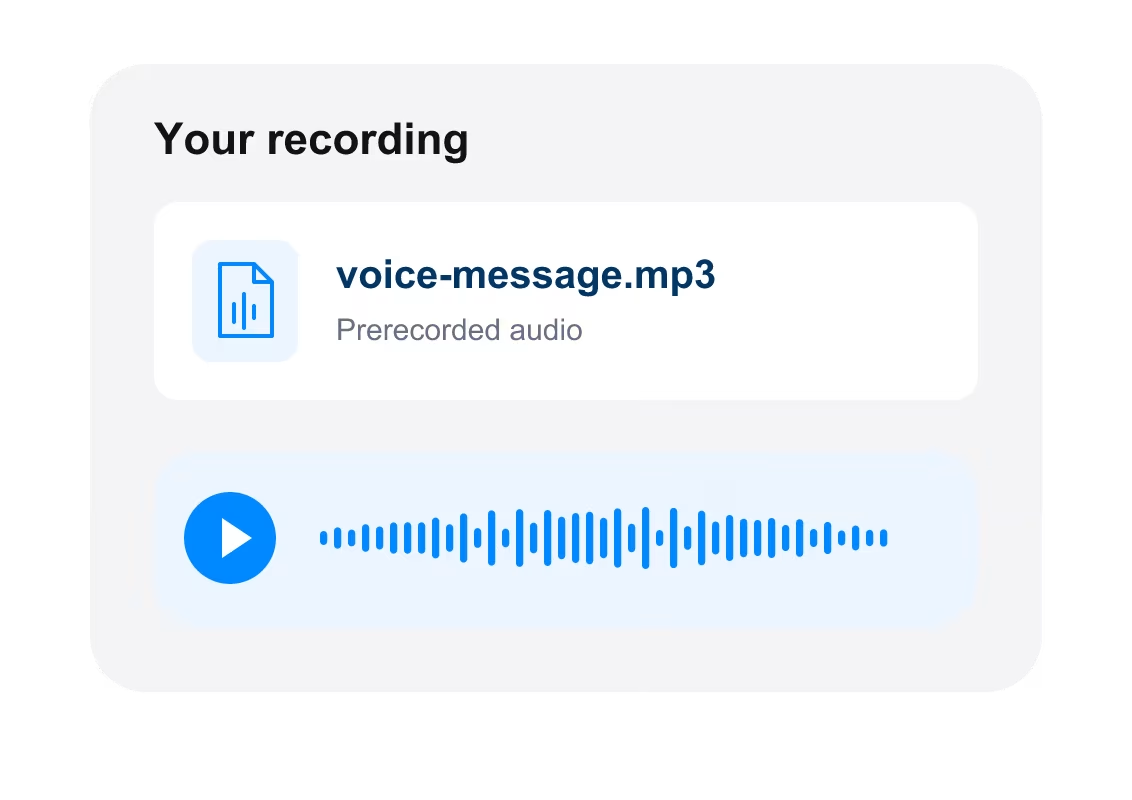
A prerecorded audio file ready to be played in a voice call.

A familiar voice. Every time

Use your own prerecorded audio in an automated call. Keep the delivery and tone consistent whenever the message stays the same.

Explore sending options
VOICE PRICING

Know the cost
before you call

Call pricing depends on the destination and billed duration. Unanswered calls are not charged.

🇬🇧
Pay per call duration
Voice messages

Price on demand

There is no public rate for this destination. Our team will confirm availability and pricing.

Go to pricing
API OR WEB PORTAL

Choose how you send

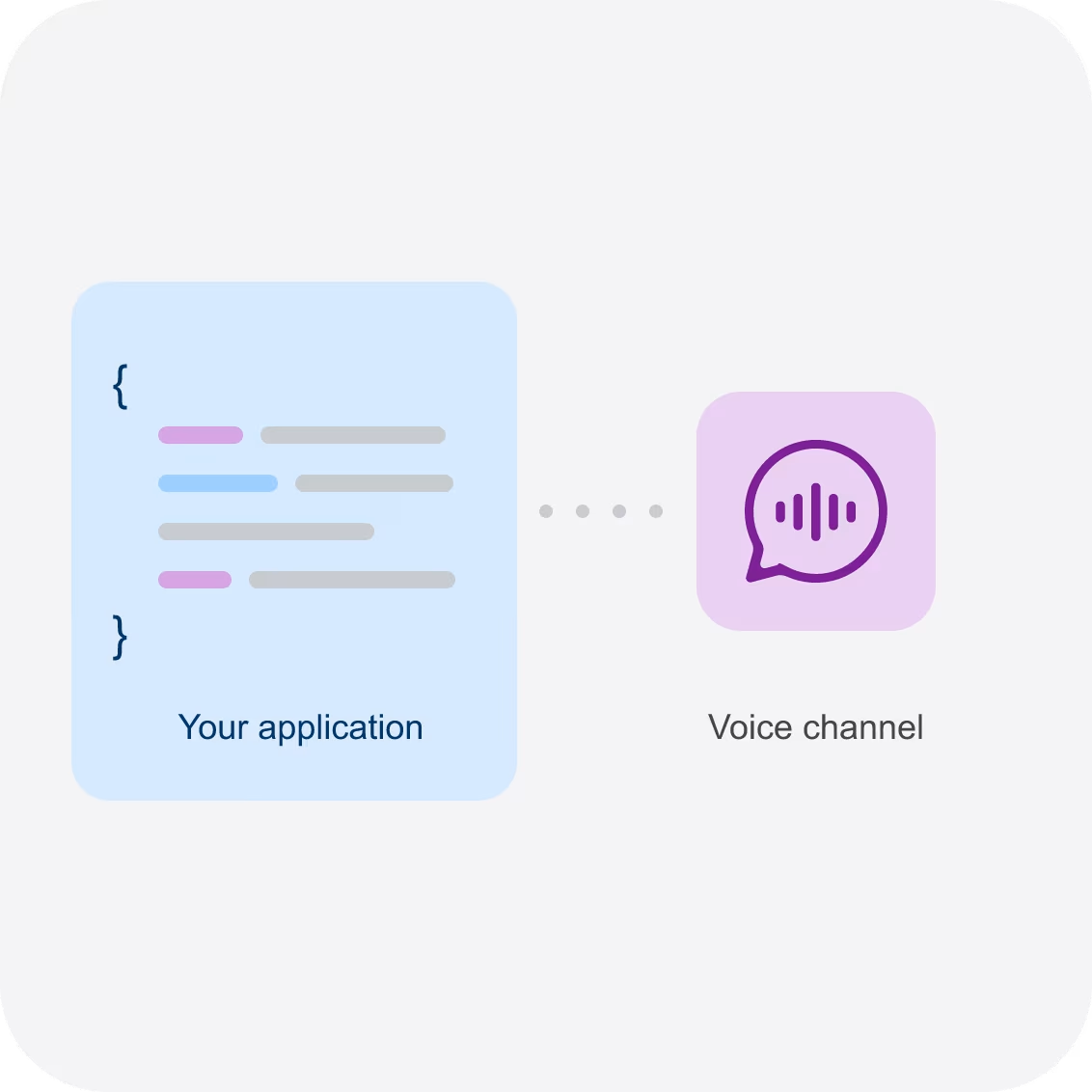
Application code connected to the Voice messaging channel.
VOICE API

Make voice part of your workflow

Connect automated calls to your application. Send a code during signup or trigger a call when your monitoring system detects an incident.
Get started with Voice API
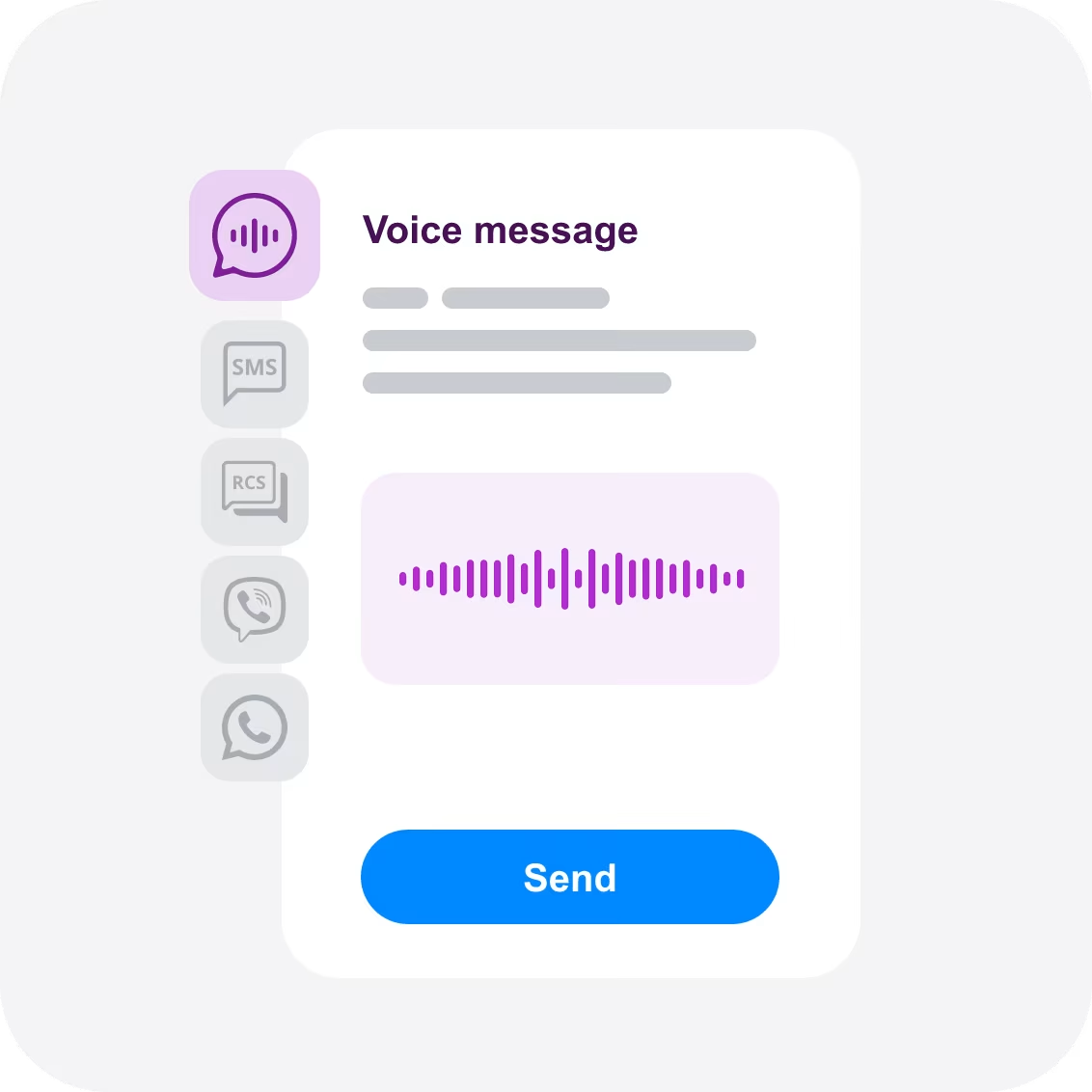
Voice selected in the BulkGate portal, alongside SMS, RCS, Viber and WhatsApp.
WEB PORTAL

Send from your browser

Prepare and send voice messages directly in the BulkGate portal. Start without building an API integration.

Send a voice message

Looking for your own business phone number?

A dedicated virtual number is a separate product. SMS and calling capabilities, number rental and usage rates depend on the number and country.

Ask about virtual numbers
A dedicated business phone number displayed on a contact card.
YOUR QUESTIONS, ANSWERED

Voice messaging
questions, answered

What is automated voice messaging?
Automated voice messaging delivers a spoken message through a phone call. The message can be generated from text using text-to-speech or played from a prerecorded audio file. It can be used for verification codes, alerts and reminders.
How does text-to-speech calling work?
Your application supplies a message and the recipient’s phone number. The text is converted into speech and played during an automated outbound call. Ask our team about supported languages, voices and destination availability.
Can I use my own recorded message?
You can use a prerecorded audio message instead of text-to-speech. Confirm the supported audio format and file requirements when setting up your integration.
What is Voice OTP?
Voice OTP is a one-time password delivered in a phone call. The recipient answers, listens to the code and enters it in your application. It offers an alternative to receiving a verification code by SMS.
How are voice messages charged?
The cost depends on the destination and billed call duration. Check the per-minute rate, minimum billed time and billing increment for your destination in the Voice pricing section.
What happens if the recipient does not answer?
An unanswered call is not charged. Your recipient needs to answer to hear the message. If a call is answered but ends before the message finishes, do not assume it is free: the applicable call duration and billing increments still matter. Use the available call status to decide what to do next.
Can I use voice messaging alongside SMS?
Yes. Your application can use SMS for written messages and voice calls for spoken codes or updates. You decide when to use each channel in your workflow. Explore multichannel messaging.
Does the recipient need an app or mobile data?
The message arrives as a phone call. The recipient needs to be able to receive and answer that call; a messaging app or mobile data connection is not required to listen to it. Destination and number support should be checked before sending.
Is voice messaging the same as a virtual phone number?
Voice messaging delivers a message through an automated call. A virtual phone number gives your business a dedicated number with specific calling and SMS capabilities. Number rental and usage are priced separately from the standard voice messaging service.

Give your important messages a voice

Tell us where you want to call and what your customers need to hear. We’ll help you find the right setup for verification, alerts and reminders.