Nothing found
-
Address book
-
Campaigns
-
SMS
- Sender ID profile
- Sender type
- Unicode
- Message concatenation
- How to register a sender
-
Text sender ID registration
- Albania
- Australia
- Austria
- Belarus
- Bosnia and Herzegovina
- Bulgaria
- Croatia
- Czechia
- Finland
- Ghana
- India
- Ireland
- Israel
- Italy
- Ivory Coast
- Jordan
- Kenya
- Montenegro
- Morocco
- Mozambique
- Nigeria
- North Macedonia
- Philippines
- Qatar
- Romania
- Russia
- Serbia
- Slovenia
- Spain
- Thailand
- Turkey
- Ukraine
- United Arab Emirates
- United Kingdom
- United States of America
- Prohibited SMS content in the USA and Canada
- DND (Do Not Disturb)
-
Mobile Connect
-
Partner programs
-
Integrations
-
E-commerce modules
-
Make (ex Integromat)
- vTiger
-


vTiger setup
vTiger BulkGate provider setup
This document will guide you through setting up BulkGate provider for vTiger CRM
Install SMS Notifier module
- Click gear icon ⚙️ in upper right corner
- Click
CRM settings - Click
Studiodrop-down in the left - Click
Module manager.You can click on 📌 pin icon next to it to add a shortcut to your settings home page - In
Module manager detail view, clickExtension storebutton in the top right - Locate
SMS notifierand clickInstall
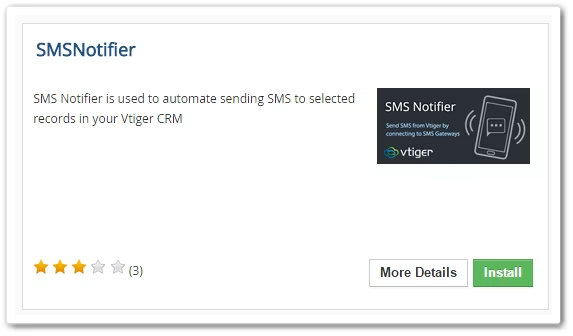
- For successful installation, click
Okbutton
BulkGate Provider
- Go to this repository and download the following code BulkGate provider code.
- Copy this file into
..\vtigercrm\modules\SMSNotifier\providers\
Configuring BulkGate Gateway
You are required to register BulkGate account and create vTiger api before you get started. To sign up, click here. After successful registration, follow this credit purchase guide which will show you how to buy credits. Once you own credits you can generate vTiger API here.
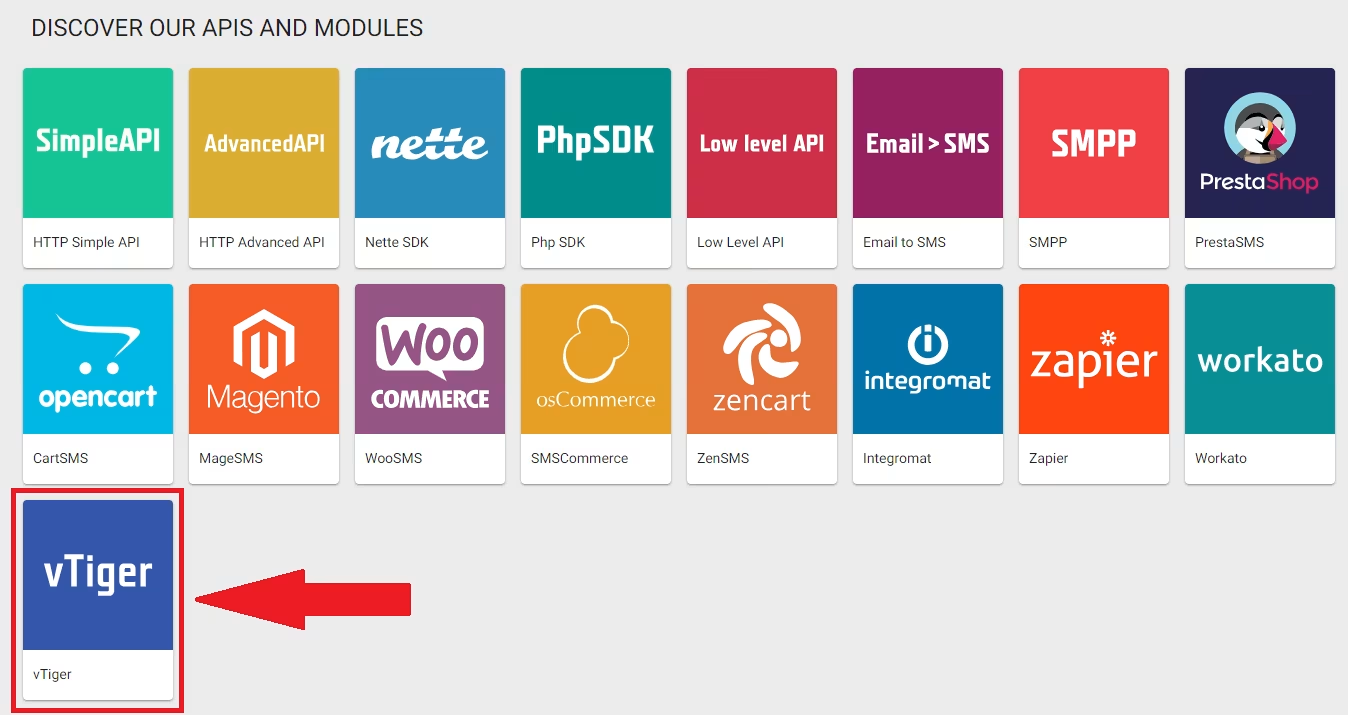
Follow this API setup guide to show you how.
Generated API will contain Application ID and Application token
Caution
Never share these with anyone
Here's how to configure BulkGate gateway in vTiger CRM
- Click
SMS notifiertab. You can find it underAlldropdown on menu bar - Click 🔧 wrench icon >
Server configuration - Click
New configurationand configure following details in the popup that appears
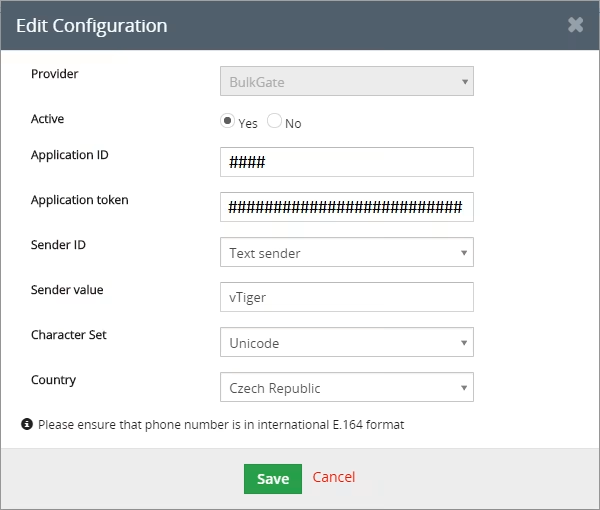
Was this page helpful?
Thank you for your feedback.