Nothing found
-
Address book
-
Campaigns
-
SMS
- Sender ID profile
- Sender type
- Unicode
- Message concatenation
- How to register a sender
-
Text sender ID registration
- Albania
- Australia
- Austria
- Belarus
- Bosnia and Herzegovina
- Bulgaria
- Croatia
- Czechia
- Finland
- Ghana
- India
- Ireland
- Israel
- Italy
- Ivory Coast
- Jordan
- Kenya
- Montenegro
- Morocco
- Mozambique
- Nigeria
- North Macedonia
- Philippines
- Qatar
- Romania
- Russia
- Serbia
- Slovenia
- Spain
- Thailand
- Turkey
- Ukraine
- United Arab Emirates
- United Kingdom
- United States of America
- Prohibited SMS content in the USA and Canada
- DND (Do Not Disturb)
-
Mobile Connect
-
Partner programs
-
Integrations
-
E-commerce modules
-
Make (ex Integromat)
- vTiger
-


Creating a wallet
What is a wallet
A wallet is where your BulkGate account keeps its credit. Every wallet has its own balance, its own billing information and its own low credit alert.
One account can hold several wallets and use them separately — for individual departments, branches or campaigns. Besides your own wallets, you can also connect a wallet from another account.
You will find the overview under Wallets in the left menu of the portal. Each wallet shows its name, its login name and its current balance.
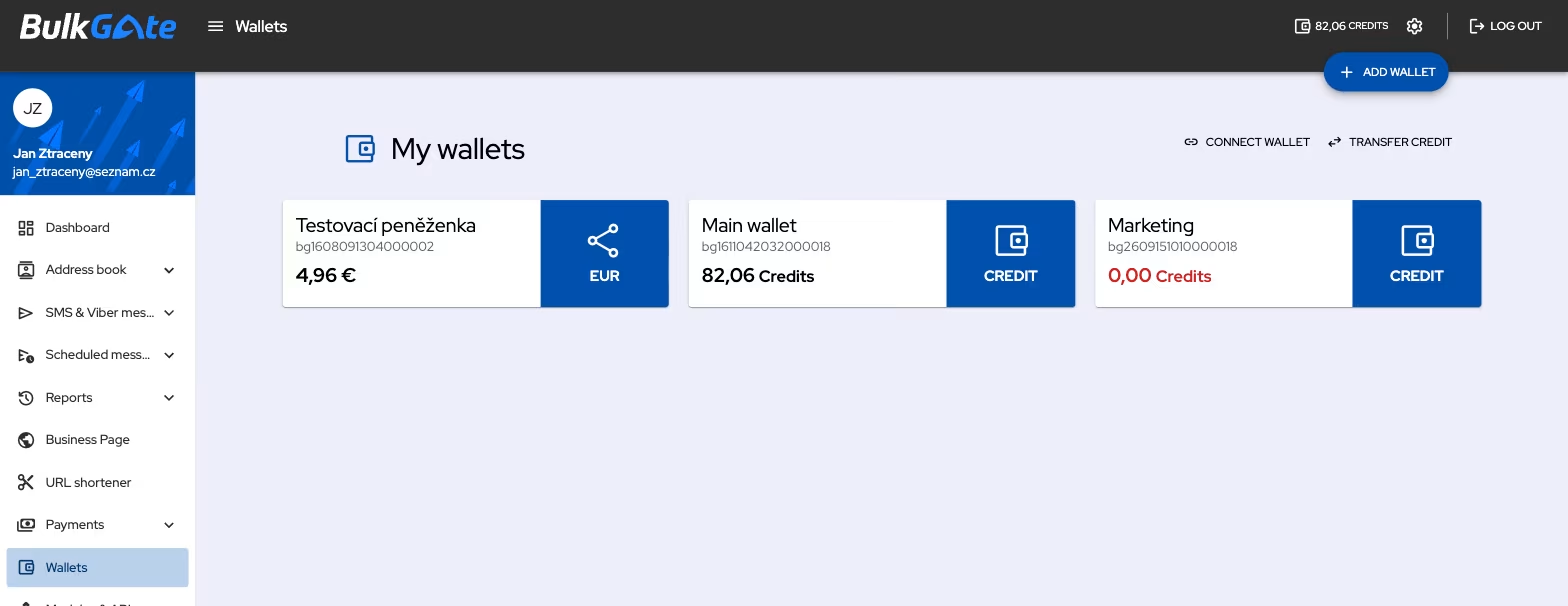
Credit can only be transferred between wallets that keep their balance in the same currency. That is why the Transfer credit action appears on the Wallets screen only once you have at least two such wallets.
How to create a wallet
- Click
Walletsin the left menu of the portal - Click
Add walletin the top right corner - Fill in the
Wallet nameand clickCreate
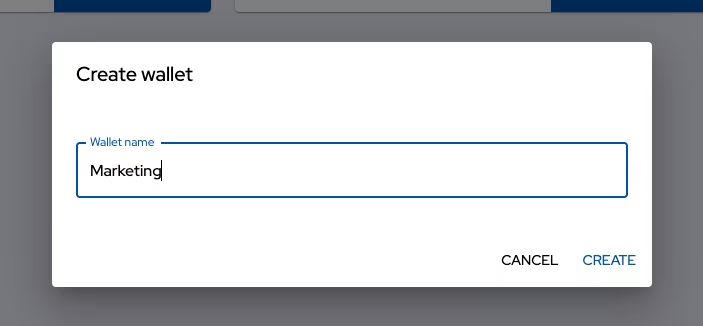
Without a name, the Create button stays inactive. The portal then confirms the action with the message Wallet has been created and the new wallet appears in the overview.
A new wallet starts with a zero balance — add credit to it by topping up. The billing information is empty except for the country, which the portal takes over from your account, and the low credit alert limit is set to 5. You can change both in the wallet detail.
How to rename a wallet
- Click
Walletsin the left menu and open the wallet you want to rename - Click the
Settingsicon in the wallet header - Choose
Rename
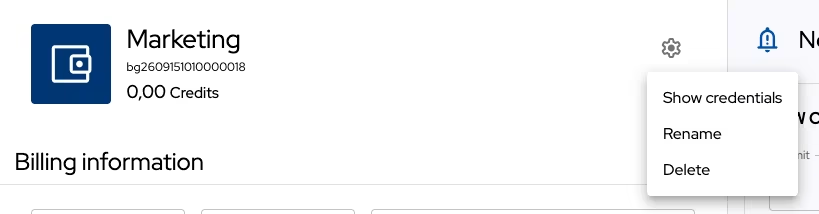
- Enter the new name and click
Rename
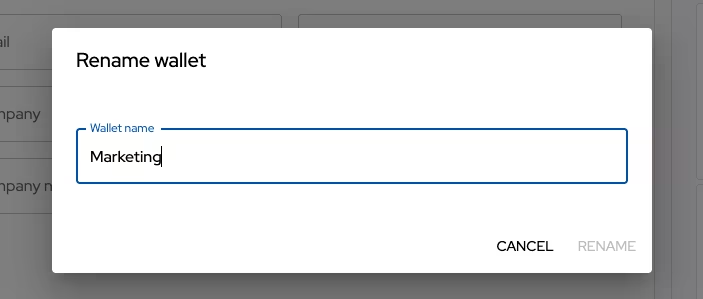
The name is only your own label — renaming does not change the login name of the wallet.
The main wallet of the account cannot be renamed, its Settings menu only holds the Show credentials item.
How to delete a wallet
- Click
Walletsin the left menu and open the wallet you want to delete - Click the
Settingsicon in the wallet header - Choose
Delete - Confirm with the
Deletebutton
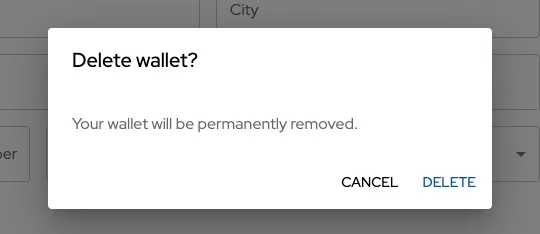
Deleting a wallet removes it from your account and you will no longer have access to the credit on it. If there is a balance left, transfer it first to another wallet in the same currency.
The main wallet of the account cannot be deleted. For a wallet connected from another account, Unlink is offered instead of Delete — it only cancels the connection with your account.
Thank you for your feedback.